

What is an internal integration?
An internal integration is scoped to a single Notion workspace. Only members of that workspace can use it. Internal integrations are ideal for building custom automations and workflows — things like syncing data from external tools, sending notifications when pages change, or powering internal dashboards. Internal integrations use a static API token for authentication. There’s no OAuth flow to implement — you get a token immediately when you create the integration, and you use that same token for every API request. In this guide, you’ll learn:- How internal integration permissions work (and how they differ from public integrations)
- How to create an internal integration and share pages with it
- How to authenticate API requests using your integration token
How permissions work
An internal integration operates as its own bot user. It is not tied to any specific workspace member. This means:- Permissions belong to the integration, not to a person. When a page is shared with the integration, the integration itself has access — regardless of which workspace member shared it.
- Access is inherited. Sharing a parent page with the integration grants access to all of its child pages as well.
- Access persists independently of users. If the user who shared a page leaves the workspace, the integration retains access to that page.
- Any Workspace Owner can see the integration. All internal integrations are visible in the Creator dashboard to every Workspace Owner in the workspace, including integrations created by others.
Creating an internal integration
You must be a Workspace Owner to create an integration.Navigate to the Creator dashboard.
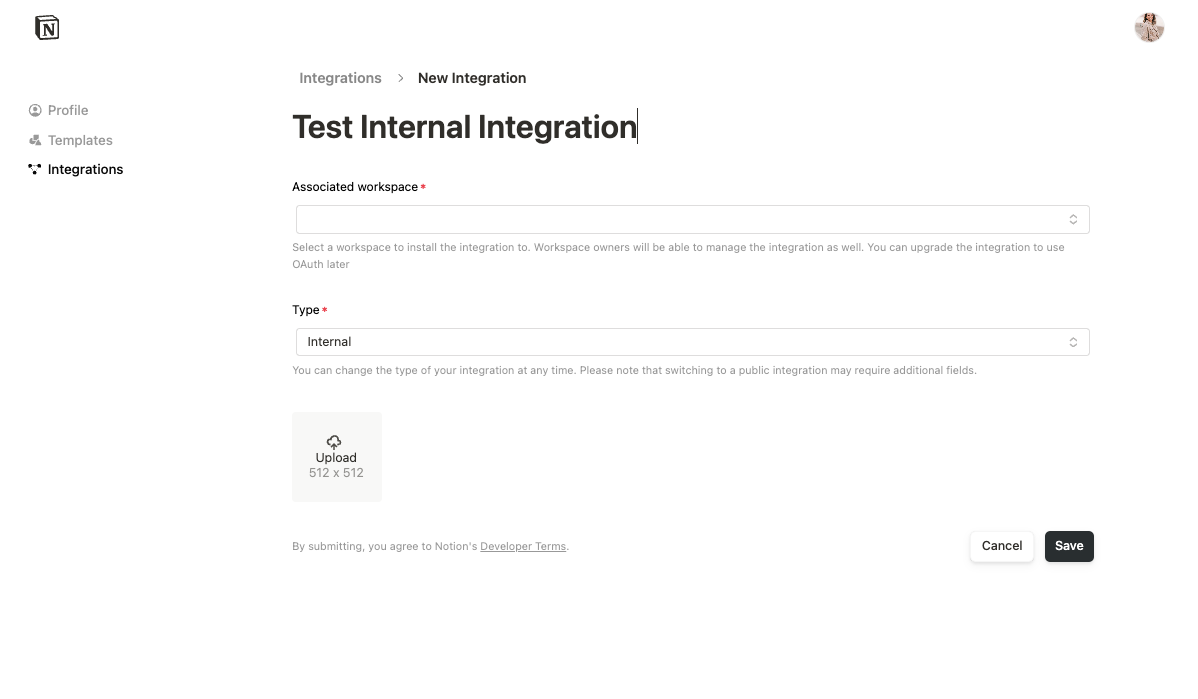
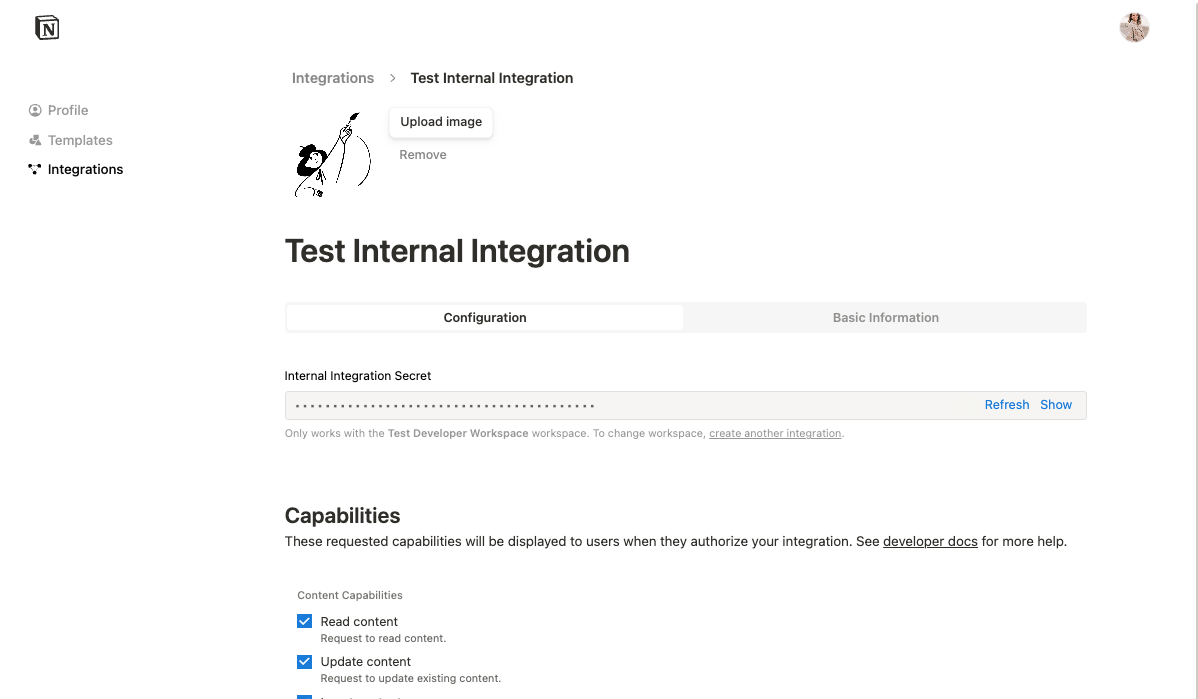
Granting page access
Before your integration can access any data, it must be explicitly granted access to pages or databases. There are two ways to do this.From the Creator dashboard
The integration owner can manage access directly from the Content access tab in the Creator dashboard. This is the quickest way to get started after creating an integration.Open your integration in the Creator dashboard.
From the Notion UI
Workspace members can also share individual pages with the integration from within Notion.Authentication
Internal integrations authenticate every API request using the API token retrieved from the Configuration tab. Include the token in theAuthorization header:
Next steps
Getting started
Build your first integration with a hands-on tutorial.
API reference
Explore all available endpoints.